

Unified dashboard
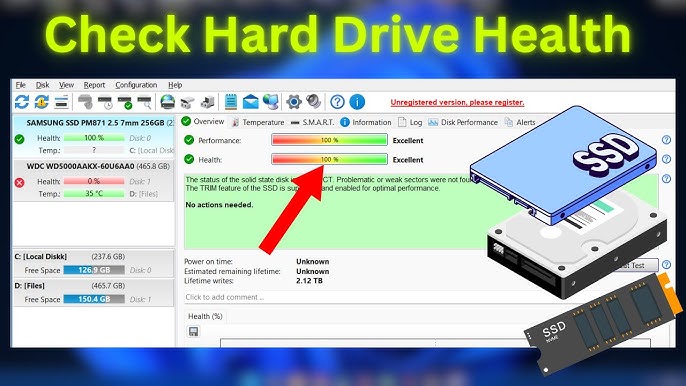
Scan models, serials, interfaces, and health at a glance — ideal when you maintain several workstations.
Product depth
What you see in Hard Disk Sentinel — and why each layer earns a place in a serious monitoring habit.
A calm UI hides dense telemetry: interface speed, SMART attributes, self-tests, and notifications you can tune so urgent signals surface.
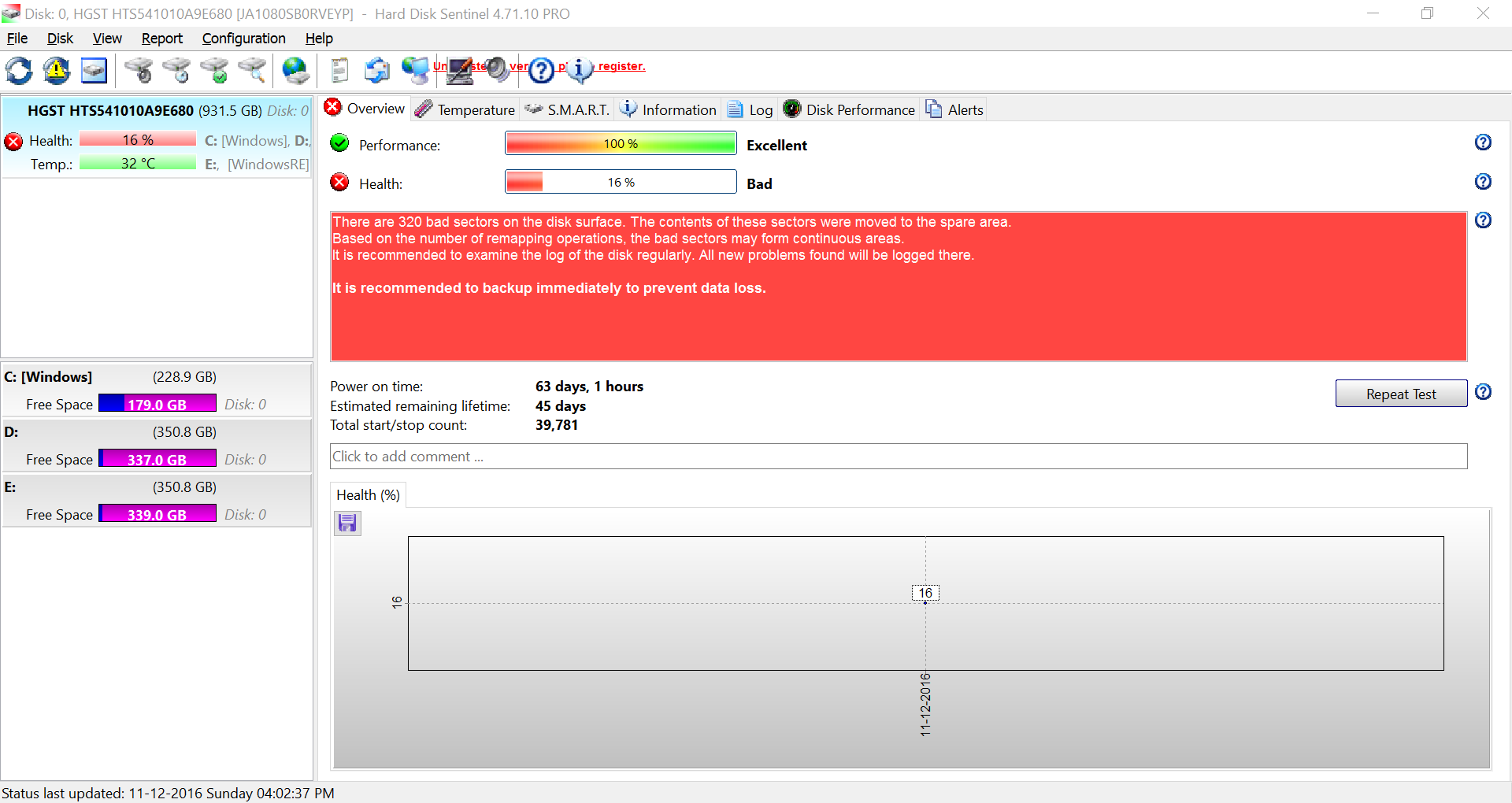
Attribute sets differ by vendor and firmware. Sentinel translates raw IDs into human-readable fields so you can watch changes, not chase jargon.
Short and extended self-tests stress different paths. Schedule them when the machine is cool and idle — then compare outputs over time.
Scan models, serials, interfaces, and health at a glance — ideal when you maintain several workstations.
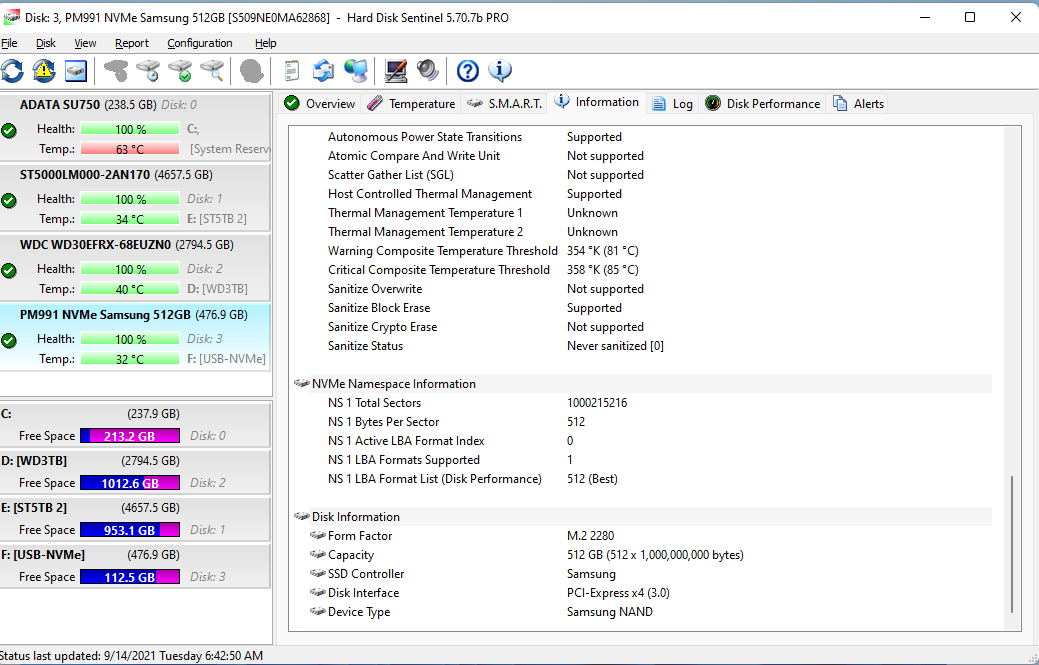
Sort and inspect normalized values, vendor-specific quirks, and thresholds — then export when you need an audit trail.
Spot thermal cycling during gaming renders or backups — often the first clue that airflow or thermal paste needs attention.
Meaningful thresholds beat buzzwords. Tune notifications so repeated transient spikes do not train you to ignore real realloc jumps — escalate when slopes accelerate across multiple readings, not when one counter flickers once.
Separate “investigate” alerts from “schedule replacement” alerts on fleets: laptops warrant tighter margins than cold-storage archives.
Exports become attachments — vendor threads, IT audits, insurance claims. Pair SMART dumps with a sentence describing workload (gaming encode, SQL scratch, etc.) so reviewers reproduce context.
Screenshots age poorly — prefer dated CSV/text exports plus checksum logs when troubleshooting intermittent bridges.
Use identical workloads when contrasting two workstations — identical models can diverge because one runs hotter in a dusty case. Snapshot SMART the same day you capture noise and vibration notes.
Short tests during lunch; extended tests when the machine can stay awake and cool. Avoid kicking off long surface exercises minutes before a deadline — aborted runs waste thermal budget.
Filename conventions beat memory: hostname_drive_serial_yyyy-mm-dd_osbuild.txt keeps audit trails honest when you revisit cases months later.
Ready to install? Always use the official download page or jump to our guides.